Branded Mouse Mats: How to Choose and Design One That Lasts
How to choose branded mouse mats for staff, new starters and clients: stitched-edge microfibre or cork, full-surface sublimation, design tips and pairing a mat with a mouse.
By Zintora Team
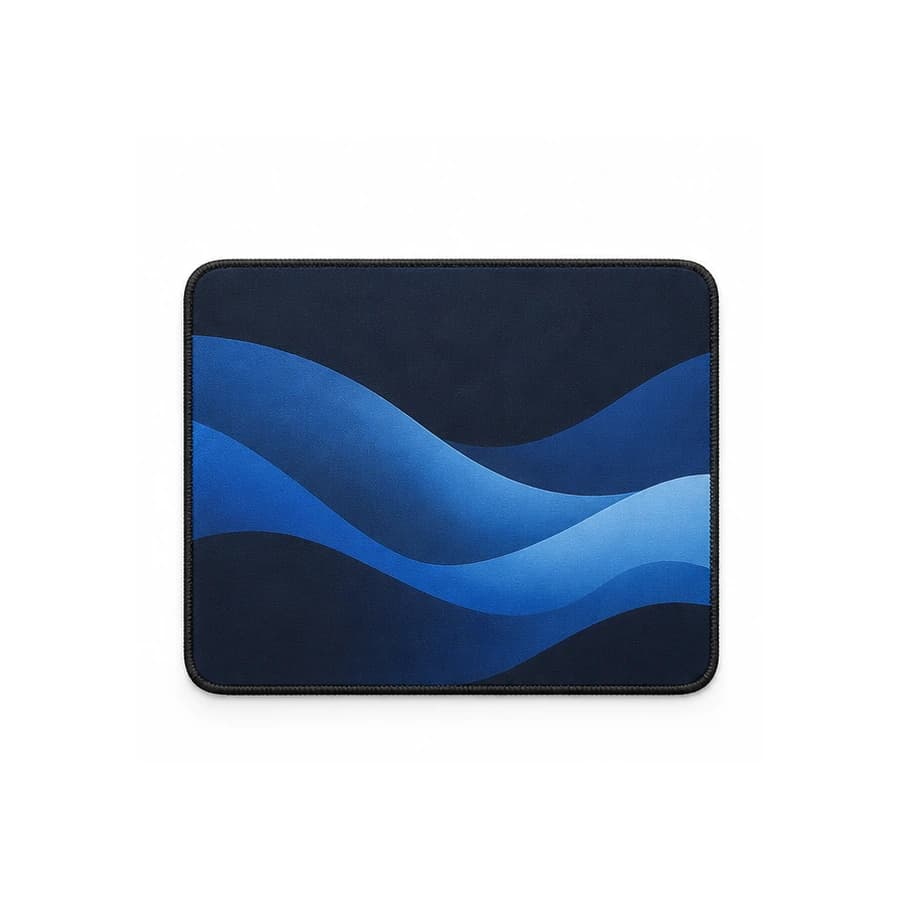
Branded mouse mats are mouse mats printed with your logo or a full brand design, given to staff, new starters, remote workers and clients. They sit on the desk all day, under the hand that does the work, so the design is seen every working hour. A good one lies flat, does not slip and keeps its print.
This guide explains what to look for in a branded mouse mat, which mats and desk items from the Zintora catalogue fit, how to design for a mat, and how to plan an order. Every product below comes from the live catalogue on 28 October 2026.
Why branded mouse mats work
Most promotional items are used now and then. A mouse mat is used every time someone works at a desk with a mouse. That gives it a few clear advantages:
- Daily visibility. The design is in view all day, at home or in the office, and often on camera during video calls.
- A large print area. Compared with a pen or a keyring, a mouse mat offers a whole surface for a design, not just a small logo.
- Light and flat. It is easy to post to remote workers and fits in any welcome pack.
- Useful to almost everyone. Anyone with a desk and a mouse can use it, whatever their role.
It is less useful for people who work on laptops with a trackpad only, or who rarely sit at a desk. If that describes your team, a notebook or a travel mug may be the better choice.
Branded mouse mats and desk items from the catalogue
Pricing for your design and quantity comes with your quote. Catalogue prices are ex VAT; printing and delivery are extra, UK import VAT and duties are paid on delivery. Every product page shows its own minimum.
| Product | What it is | Branding | Minimum |
|---|---|---|---|
| Glide Mouse Mat | 4 mm microfibre mat with stitched edges and a natural rubber base | Edge-to-edge sublimation | 50 |
| Terrain Cork Desk Mat | Natural cork desk mat, 70 x 30 cm | Laser engraving | 30 |
| Signal Wireless Mouse | Ambidextrous wireless mouse with silent switches and USB-C charging | Pad printing, laser engraving, branded box | 20 |
| Pivot Ergonomic Mouse | Vertical ergonomic mouse with six programmable buttons | Pad printing, branded box | 20 |
The Glide Mouse Mat
The Glide is a 4 mm microfibre mouse mat. Its stitched edges do not fray, and the natural rubber base stops it slipping on the desk. The smooth surface tracks optical and laser mice accurately. It is printed with edge-to-edge sublimation, which means the design can cover the whole surface rather than sitting in a small box. You can choose a full-surface print, or anthracite or forest green. The minimum is 50.
Full-surface print or a plain colour?
- Full-surface print suits a brand pattern, an illustration, a product image or a campaign design. Because sublimation reaches the edges, the whole mat becomes the design.
- A plain anthracite or forest green mat with a smaller logo looks calmer and fits a wider range of desks. It is a good choice for client gifts and for teams who prefer a neutral workspace.
Stitched edges
Stitched edges matter more than they seem. An unstitched mat can start to peel or fray at the corners after a few months of daily use, and a frayed mat with your logo on it does not reflect well on the brand. The Glide's stitched edges are designed to stop that.
A larger option: the Terrain Cork Desk Mat
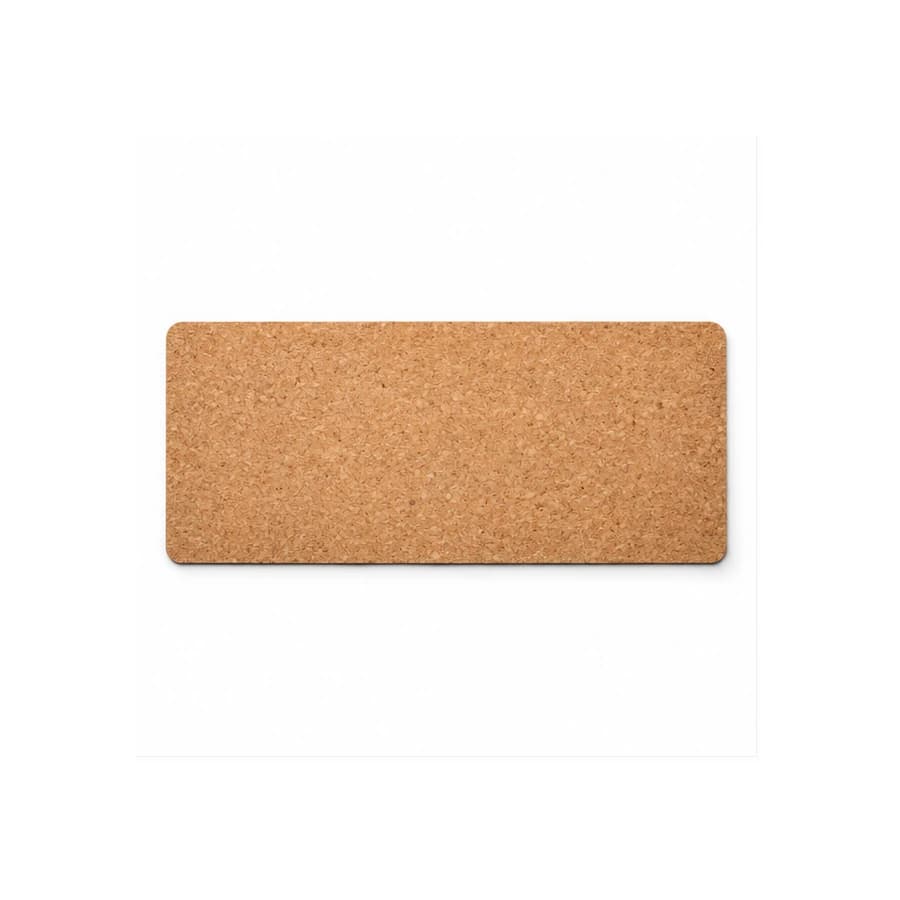
If you want something bigger than a mouse mat, the Terrain Cork Desk Mat covers the working area of the desk: 70 x 30 cm, with room for a keyboard and a mouse. It has a natural cork surface and a laser-engraved logo, which brings out the grain of the cork rather than adding ink. The minimum is 30. It suits a premium welcome pack or a gift for a smaller group, and fits brands that want a natural material on the desk. Our sustainable branded merchandise page shows more items in natural materials.
Pairing a mouse mat with a mouse
A mouse mat and a mouse make a natural pair, and together they feel like a proper desk gift rather than a single item.
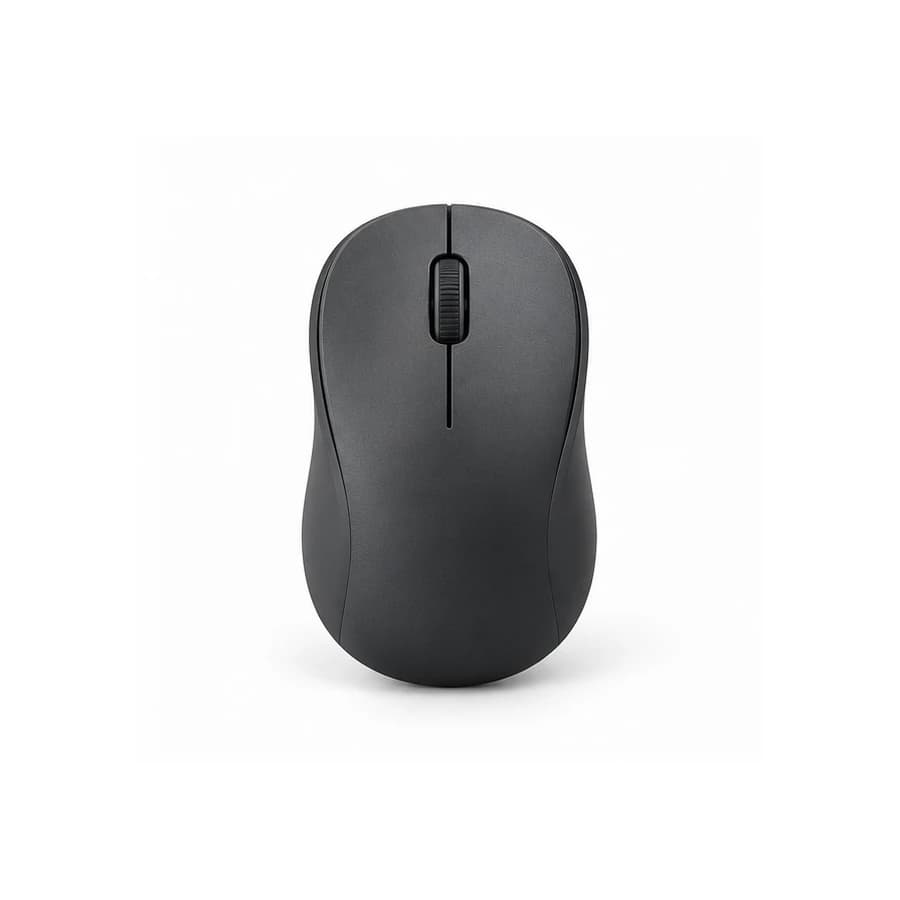
- Signal Wireless Mouse: a sculpted, ambidextrous wireless mouse with silent switches that keep open-plan offices calm. A two-week battery recharges over USB-C in an hour, and the 2.4 GHz dongle is stored inside the casing. It comes in matte black, cloud white and sage, with pad printing or laser engraving below the thumb line and a branded box option. Minimum 20.
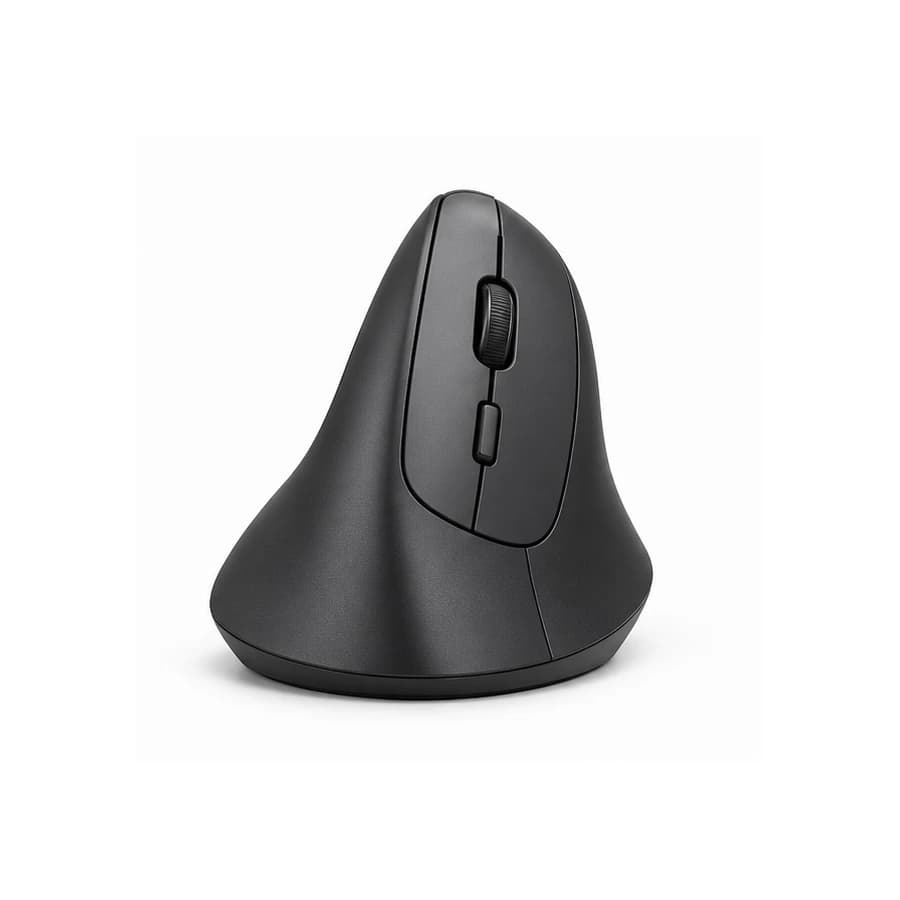
- Pivot Ergonomic Mouse: a vertical mouse that holds the hand at a 57° angle, reducing forearm rotation over long working days. It has six programmable buttons, adjustable DPI and a silent scroll wheel, in graphite or light grey, with pad printing and a branded box option. Minimum 20.
A Glide Mouse Mat in a brand pattern with a Signal Wireless Mouse in a matching colour makes a tidy set for new starters. A Terrain Cork Desk Mat with a Pivot Ergonomic Mouse suits a wellbeing-focused home-working kit.
Designing for a mouse mat
A mouse mat is a small canvas that is partly covered by a hand and a mouse most of the time. Design with that in mind:
- Keep the logo away from the centre-right. For most right-handed users, the mouse sits in the middle or to the right. A logo in a corner, or a pattern that works across the whole surface, stays visible.
- Use the full surface boldly or not at all. A full-surface design should look intentional to the edge. A small logo in the middle of an otherwise blank mat tends to look unfinished.
- Think about contrast. A busy, high-contrast design can be distracting under a moving cursor. Calmer colours are easier to work on.
- Avoid fine text. Small type and thin lines are hard to read on a textured surface.
Send your design as a vector file (PDF, SVG or EPS), or as a high-resolution image for a full-surface photo or illustration. You approve the position, size and colours on a digital proof before production starts, and nothing is produced until you approve it.
Who branded mouse mats suit
- New starters: a mouse mat on the first day makes a new desk feel ready. See our employee welcome packs page for complete kits.
- Remote workers: light and flat, it posts easily to a home address.
- Clients: a cork desk mat or a plain-colour mouse mat with a discreet logo is a practical thank-you.
- Events and training: for larger groups, the Glide's minimum of 50 makes it a straightforward choice.
For the wider range of items that sit on a desk, from notebooks to lamps, our guide to branded desk accessories covers the full set. Notebooks to complete a desk set are on the branded notebooks page, and ready-made combinations are on the packs page.
Timing and delivery
Work back from the date the mats need to be on desks:
- Choose the mat and decide between a full-surface design and a plain colour with a logo.
- Request the quote with your design file.
- Approve the digital proof.
- Production takes 10 to 20 working days after proof approval, confirmed in the quote.
- Add delivery time to one office or to each home address.
Zintora delivers across the UK and internationally to Europe, the Middle East and Africa, Asia-Pacific and the Americas, to one address or to each recipient.
Sustainability questions
A mouse mat that lasts several years is a better choice than one replaced every few months. If your company reports on purchasing, ask with the quote for material details and documentation for each product. The only certificate we name is the GRS of The Tenth House, checked per lot.
Branded mouse mats checklist
- Recipients identified: new starters, remote workers, clients or an event
- Mat chosen: Glide Mouse Mat or Terrain Cork Desk Mat
- Full-surface design or plain colour with a logo decided
- Logo placed away from where the mouse sits
- Design supplied as a vector file or high-resolution image
- Mouse added to the set if wanted
- Quantity checked against each product's minimum
- Delivery date realistic with 10 to 20 working days of production plus delivery
Frequently asked questions
How are branded mouse mats printed?
The Glide Mouse Mat is printed with edge-to-edge sublimation, so the design can cover the whole surface. The Terrain Cork Desk Mat is laser engraved.
What is the minimum order for branded mouse mats?
The Glide Mouse Mat has a minimum of 50, and the Terrain Cork Desk Mat a minimum of 30.
Can I print a full photo or pattern on a mouse mat?
Yes, on the Glide Mouse Mat. Sublimation reproduces full-colour designs from edge to edge. Send a high-resolution file and check it on the digital proof.
Can you send mouse mats to remote workers?
Yes. We deliver to one address or to each recipient, across the UK and internationally.
How long does an order take?
Production takes 10 to 20 working days after proof approval, plus delivery. The exact schedule is in the quote.
Ready to order? Browse the catalogue, or request a quote with the mat, the quantity, your design and the date you need them.